Another language.Same document.
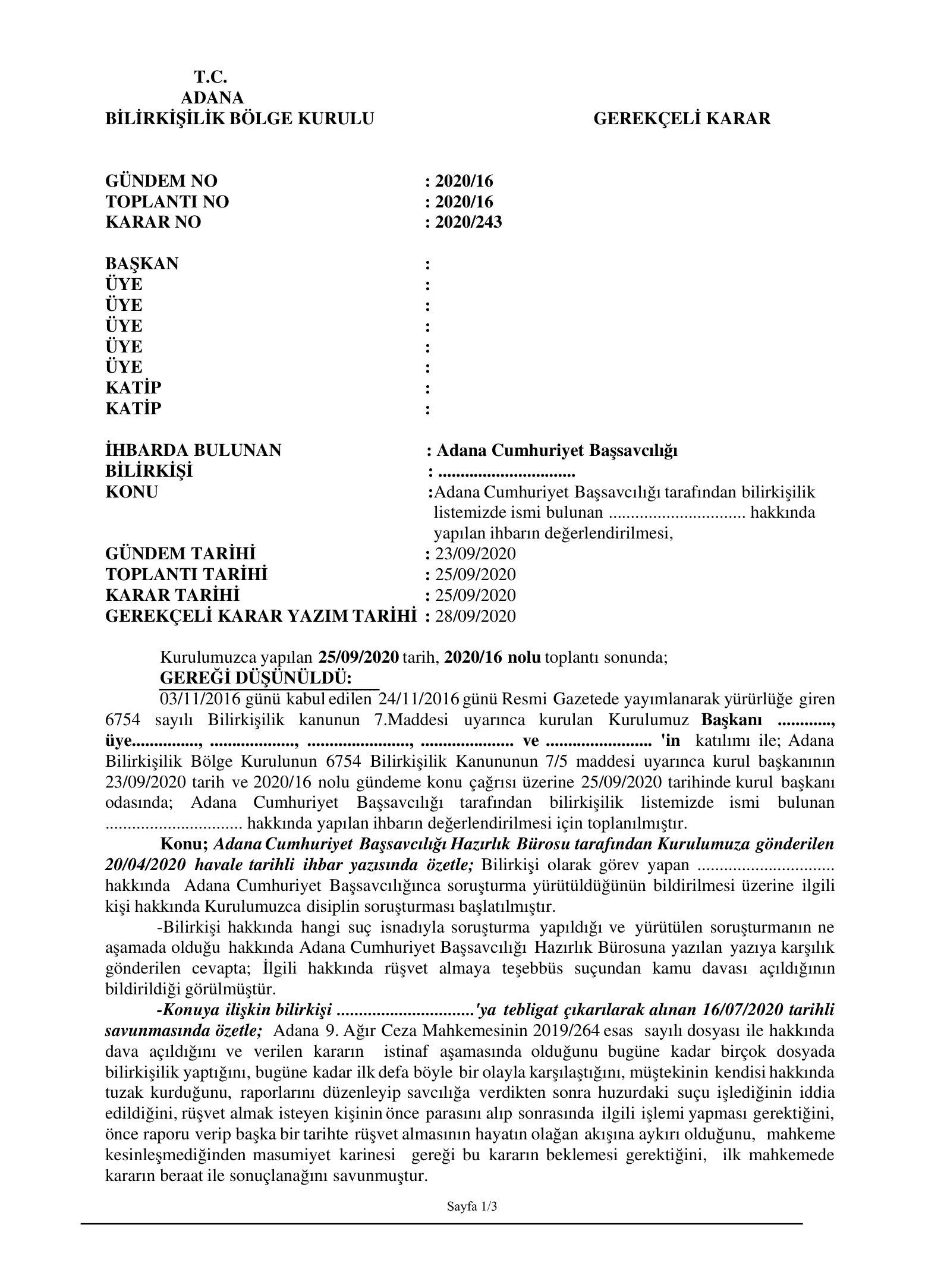
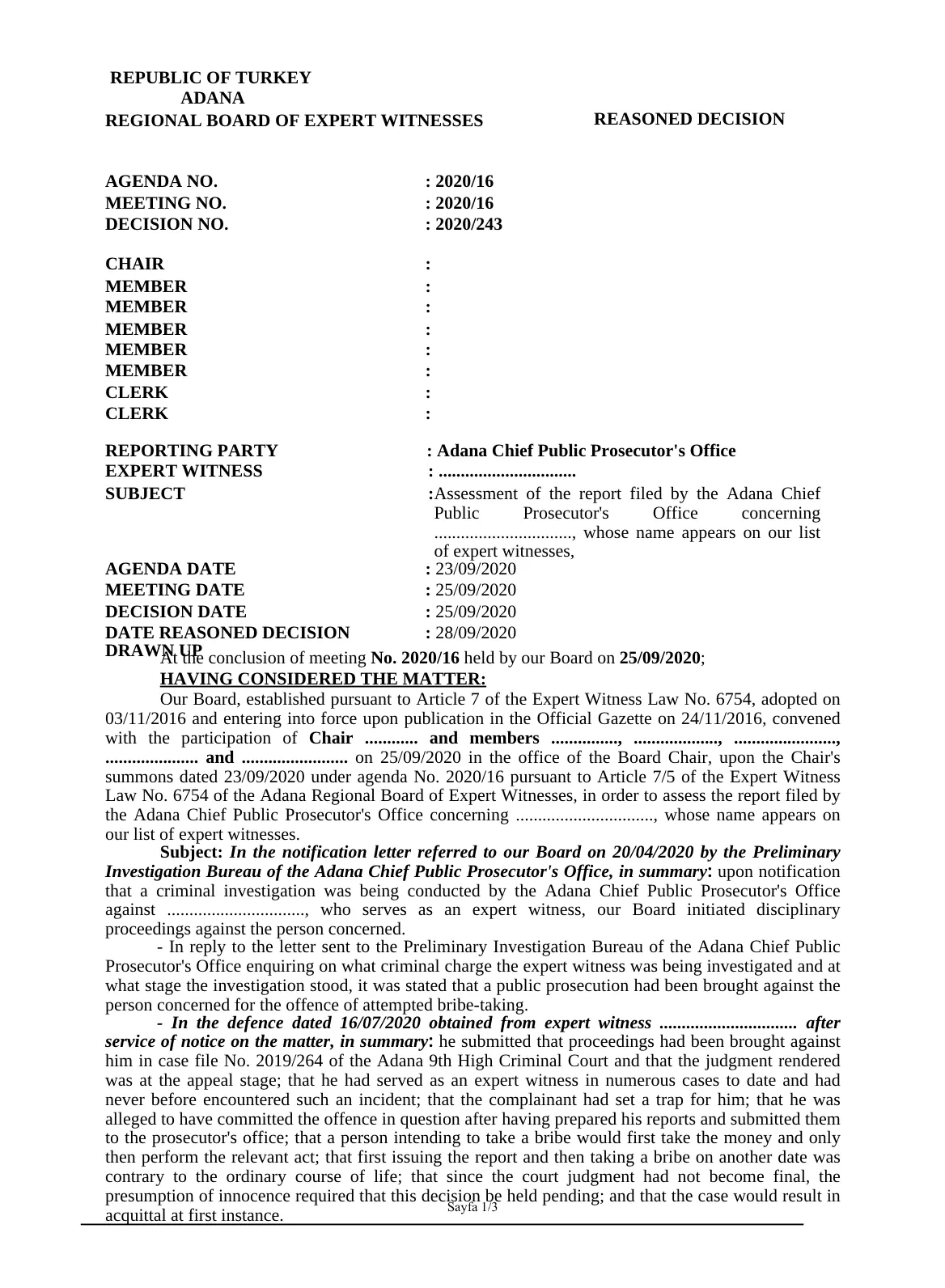
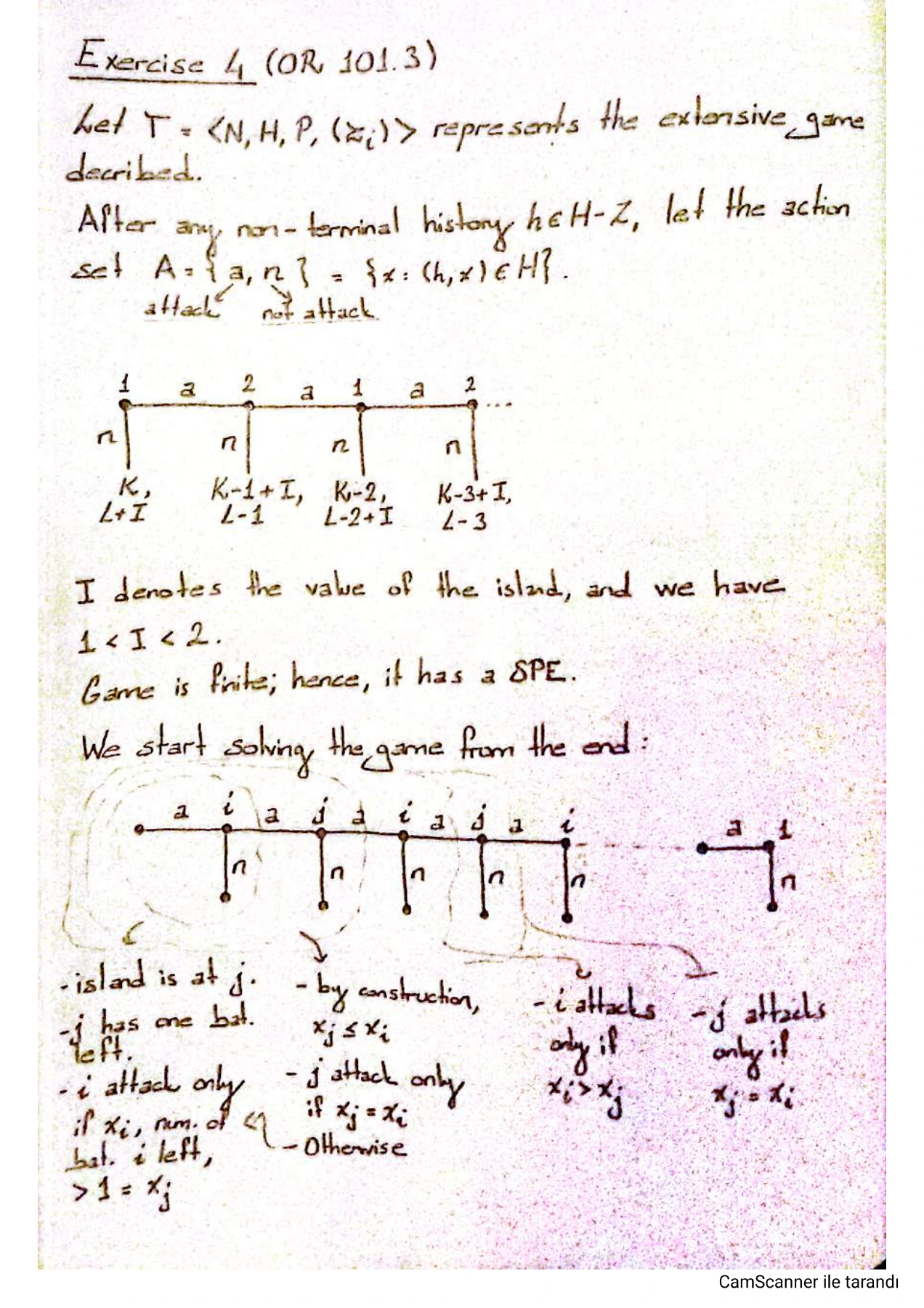
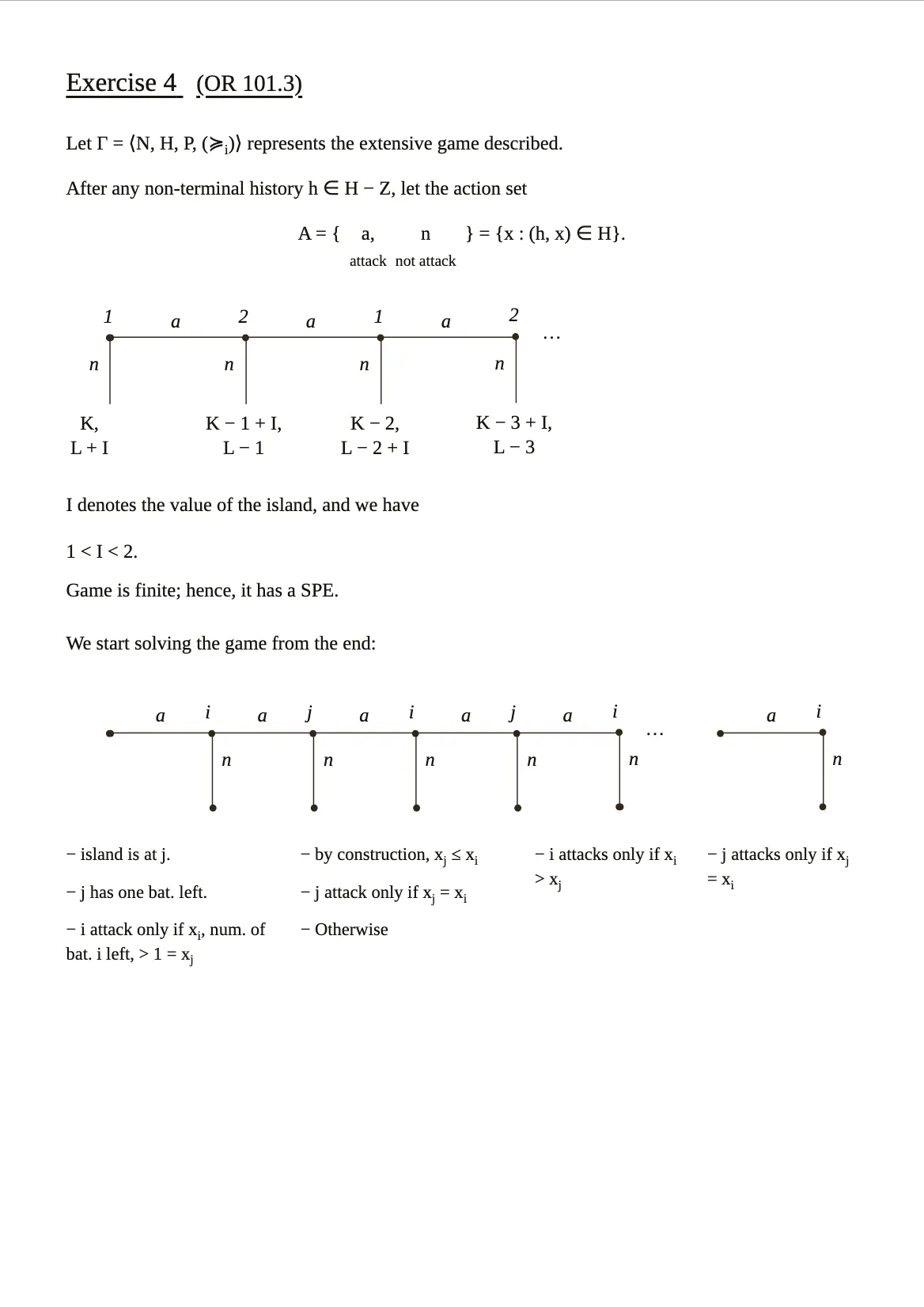
Translate even scans, keeping the layout. Make the final touches yourself.
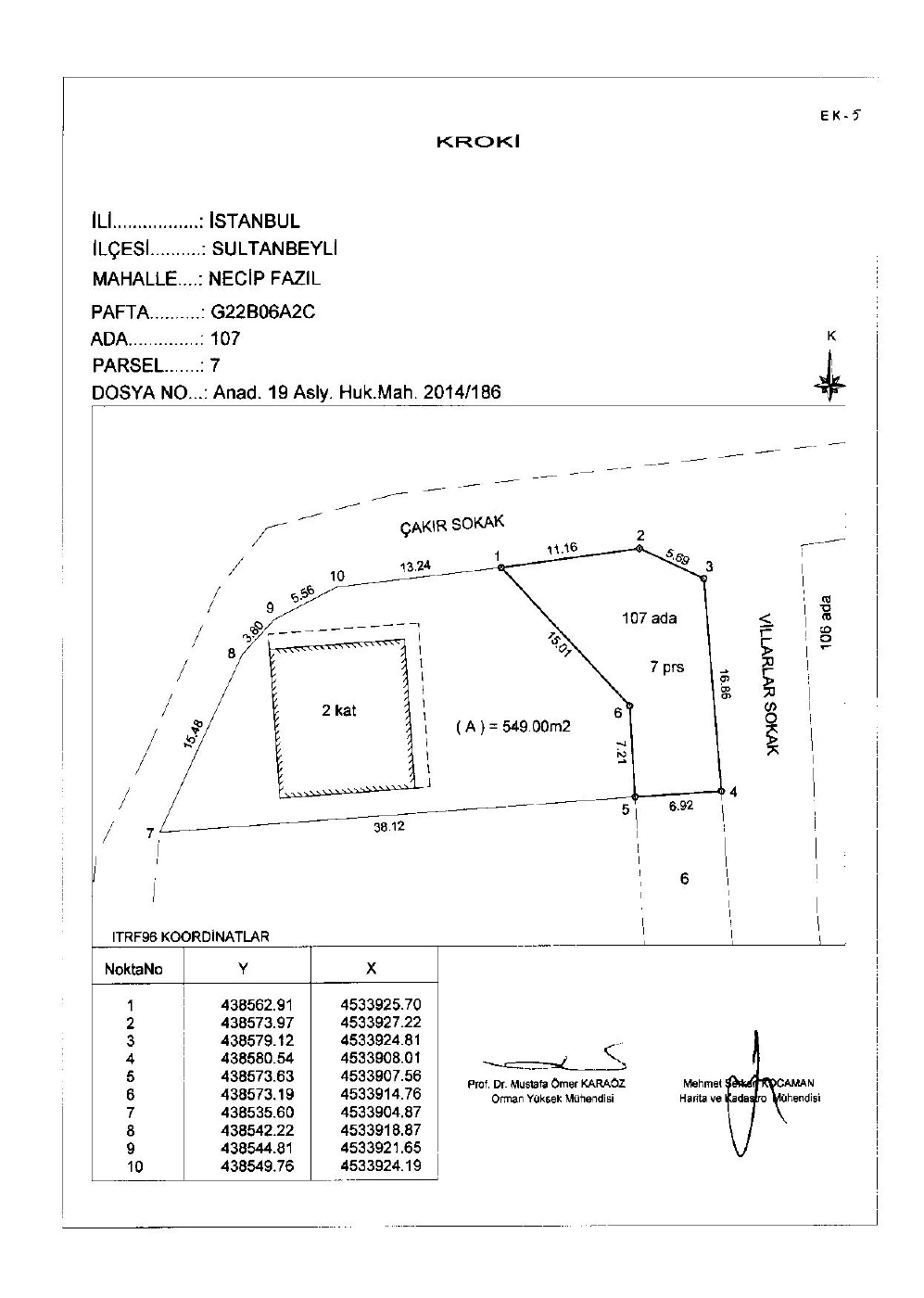
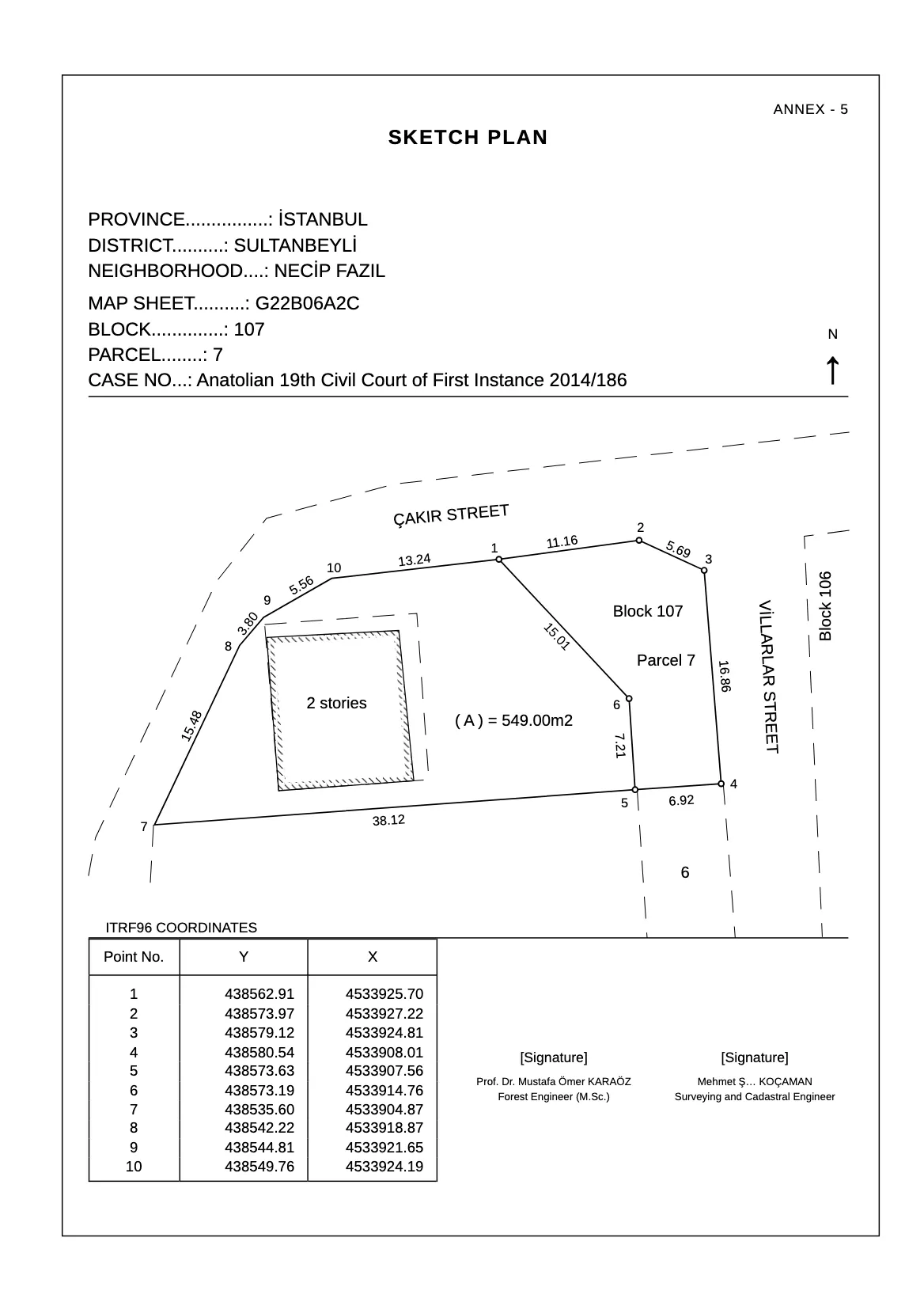
Why matbu.It speaks your language.
Translation agencies
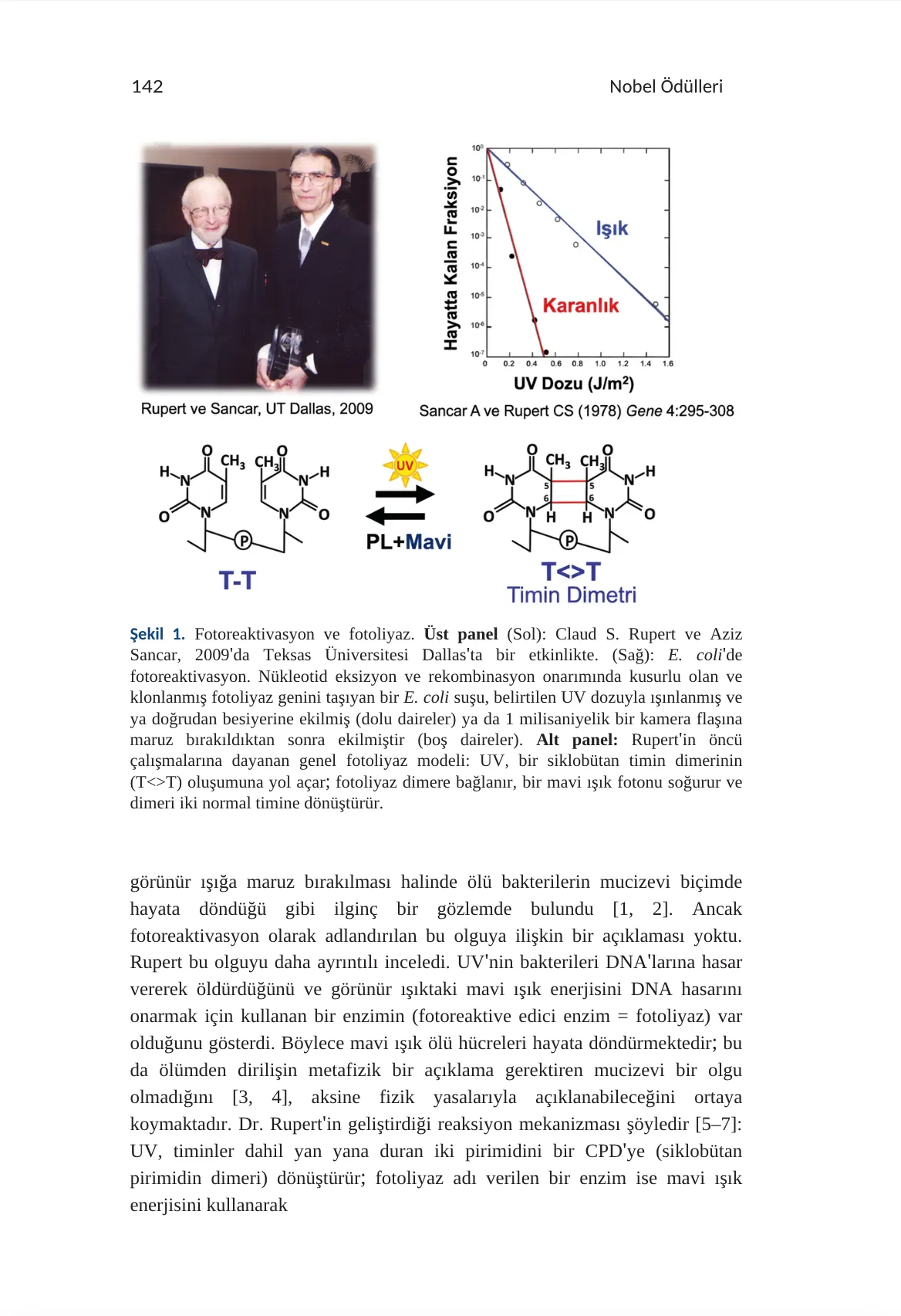
Your translation, in your document’s layout.
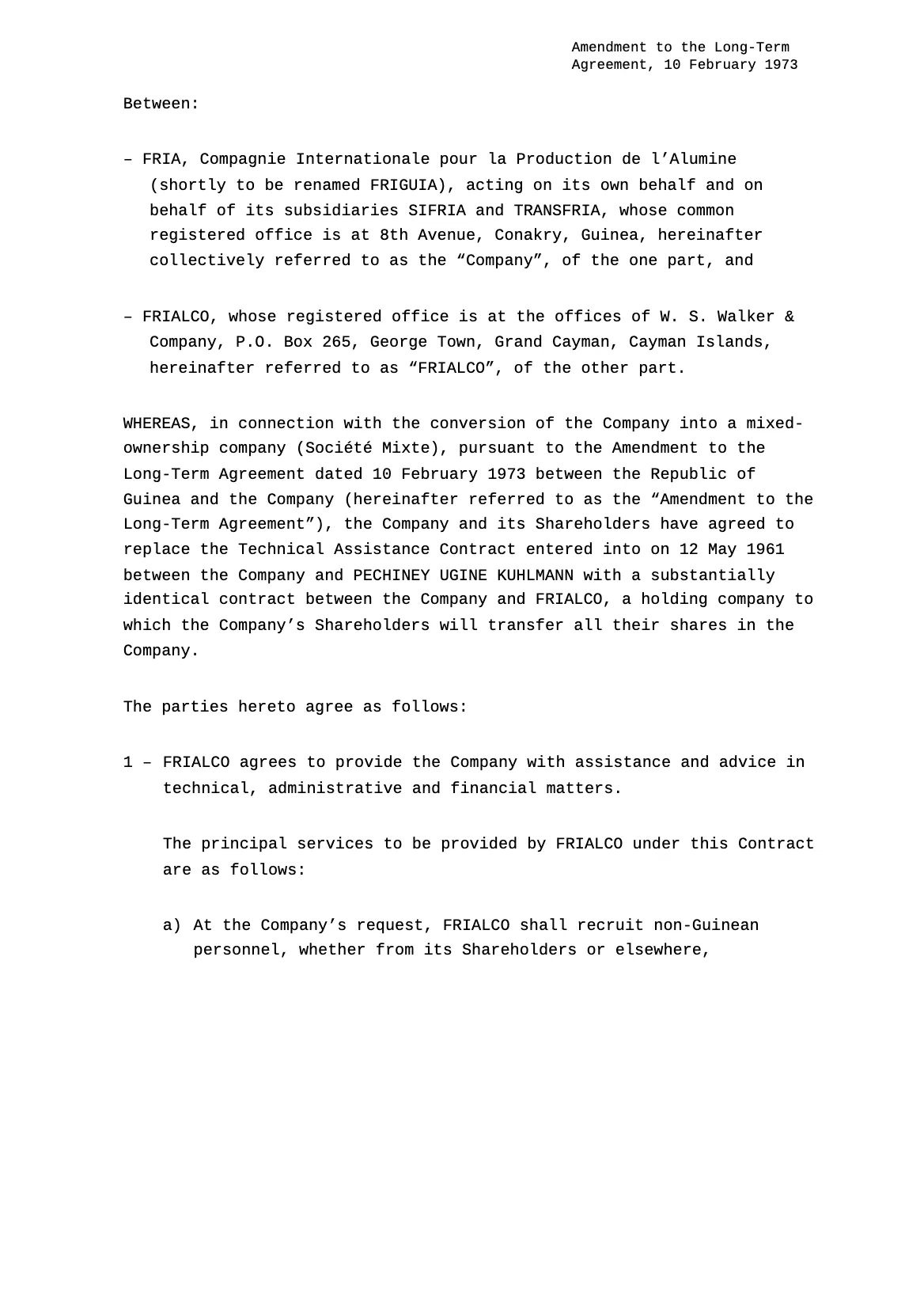
A scanned page becomes a clean digital document.
Compare with the source and edit in place.
One document.
So many details.
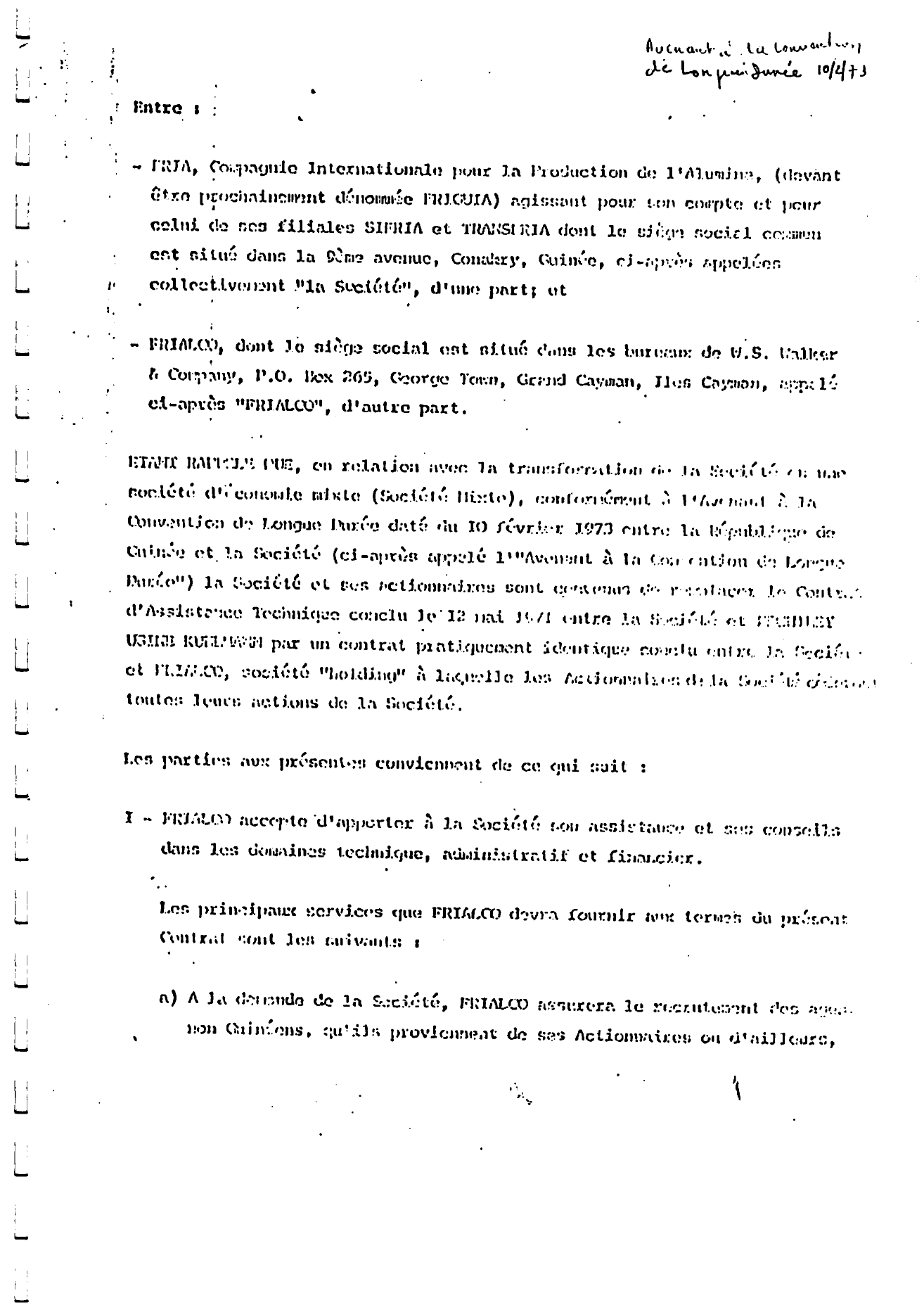
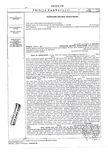
Take a closer look at an editable translation of a scanned apostille.
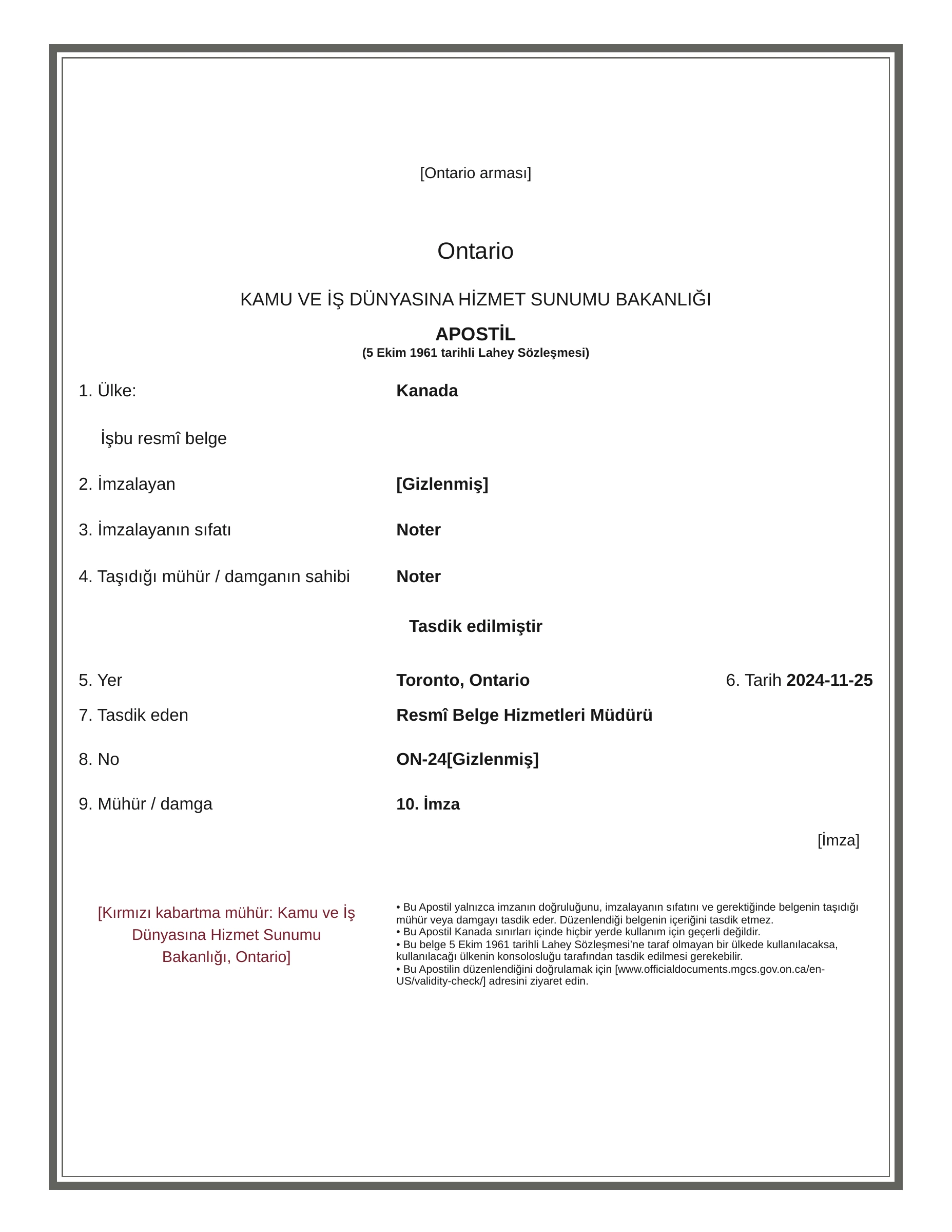
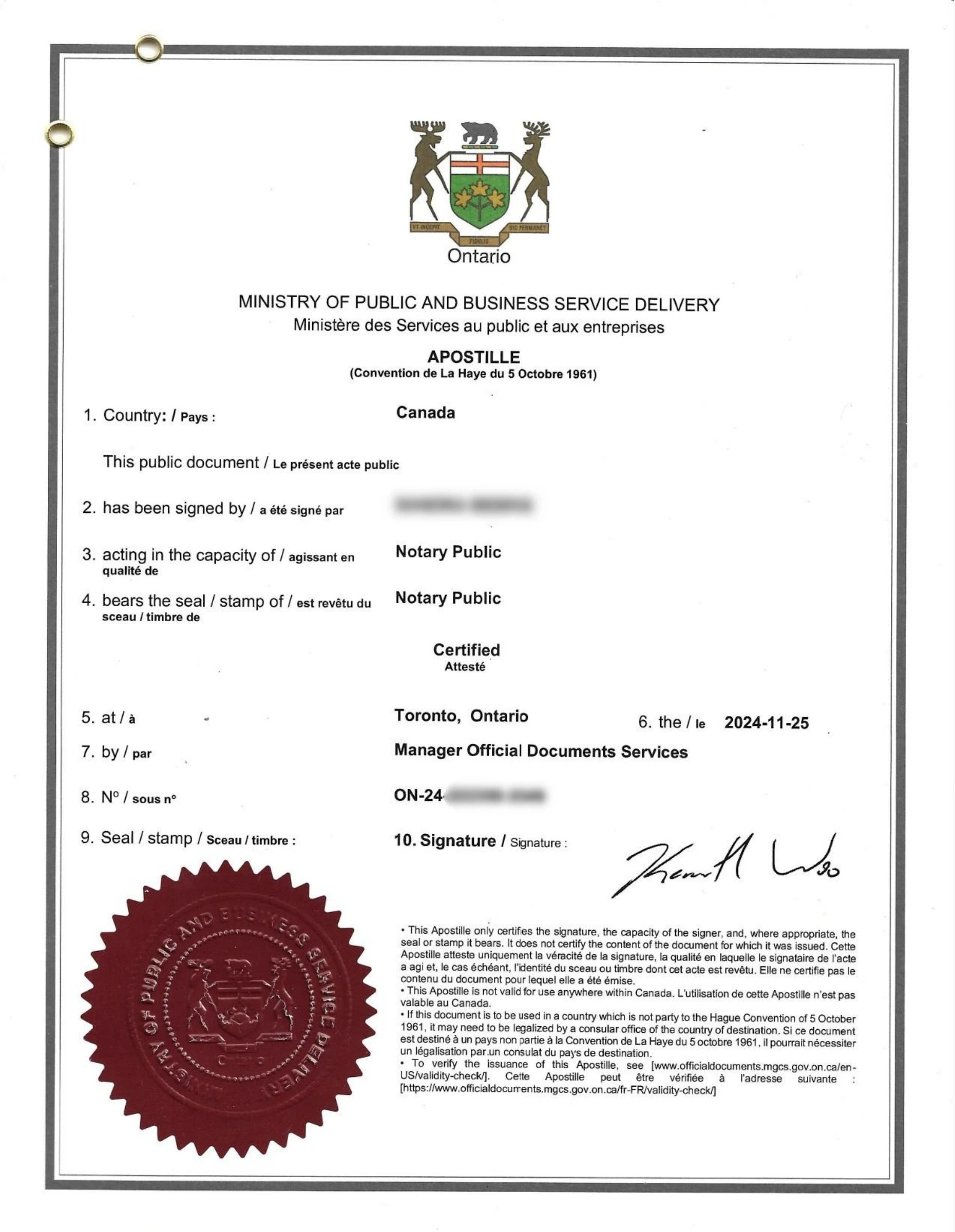
The final word is yours.
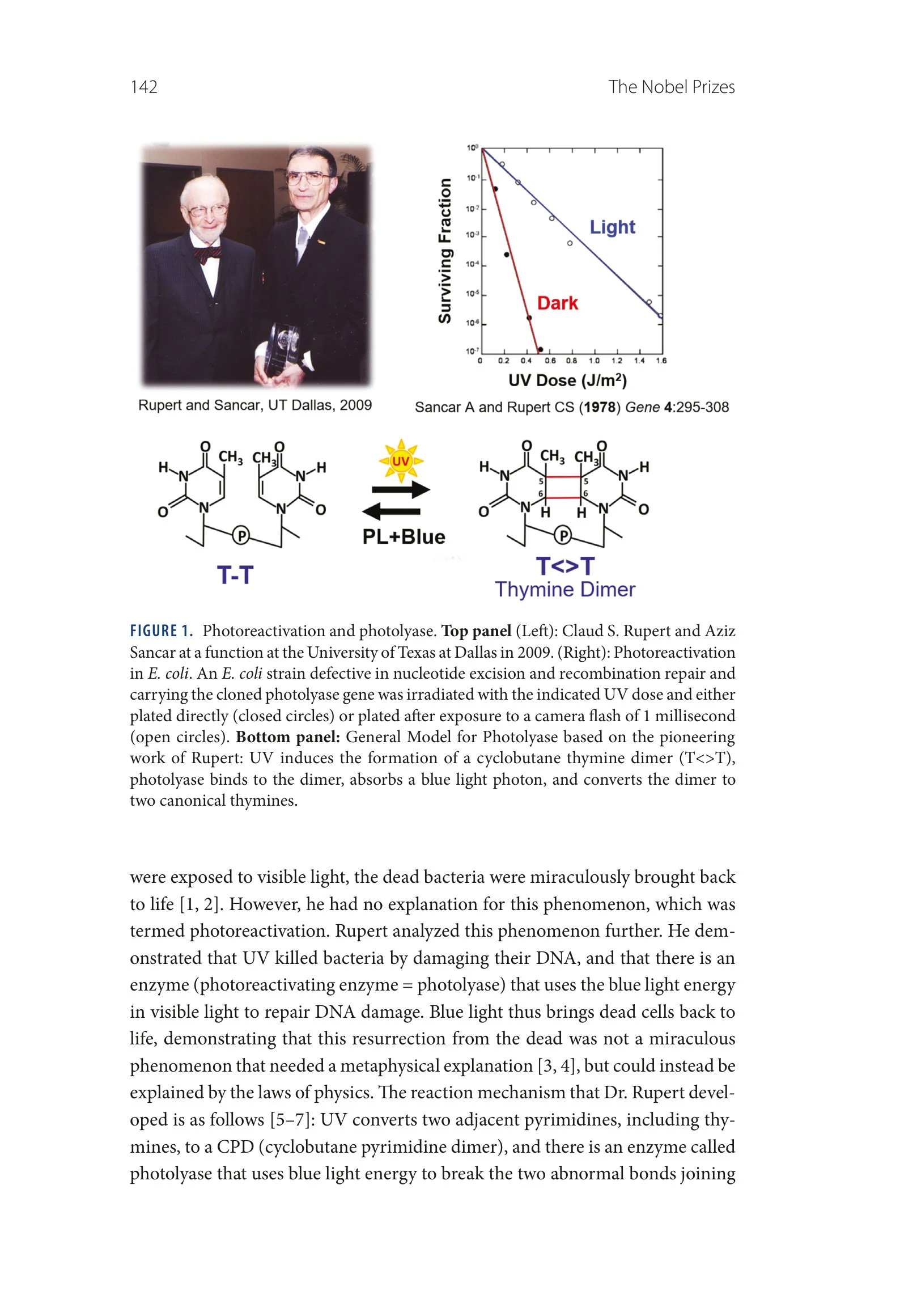
Compare with the source, find what you need and put the finishing touches on your translation.


Designed around your document.
matbu brings advanced language models together with technology built for documents. From translation to final edits, it makes every step easier.
Accuracy beyond DeepL.
It understands your document first, then chooses the terminology and style to fit. The translation reads as if it were written in the target language from the start.
Without the text boxes.
It rebuilds the page as a clean digital document with its original layout, instead of placing OCR text boxes over the scan.
Less effort than ChatGPT.
It needs no prompts or step-by-step guidance. It shows the translation alongside its source and lets you edit directly on the document.
Digitization
No translation needed? Digitize it.
Company registers, historical statistical tables, handwritten records. Turn your documents into a PDF you can copy and edit, in their original language.
Original language · 1 credit / page
Three promises for your documents.
- Stored and processed in the EU
Your documents are stored in the European Union; translation and document processing run on infrastructure in the EU.
- Never used to train models
Your documents are not used to train AI models.
- Deletion is in your hands
You delete your documents from your panel; deletion cannot be undone. Retention and deletion details are in our privacy policy.
Details are in the Privacy Policy.
Pick the plan that fits your page volume.
Every plan has the same features; only the page volume differs. The free plan covers your first 3 pages right away — paid plans go on sale soon.
All plans: digital and scanned PDFs · 48 languages · in-browser editor · PDF export